plain Vim setup
I think it’s useful to have an up-to-date Vim setup to view files or make small edits occasionally, but leaning more portability than maximalist. Nowadays, if I wanted a remote-capable development environment I’d use VS Code, and on the terminal I like Helix. Since I don’t have to worry about Language Servers, the Vim setup would be focused on the basics.
screenshot
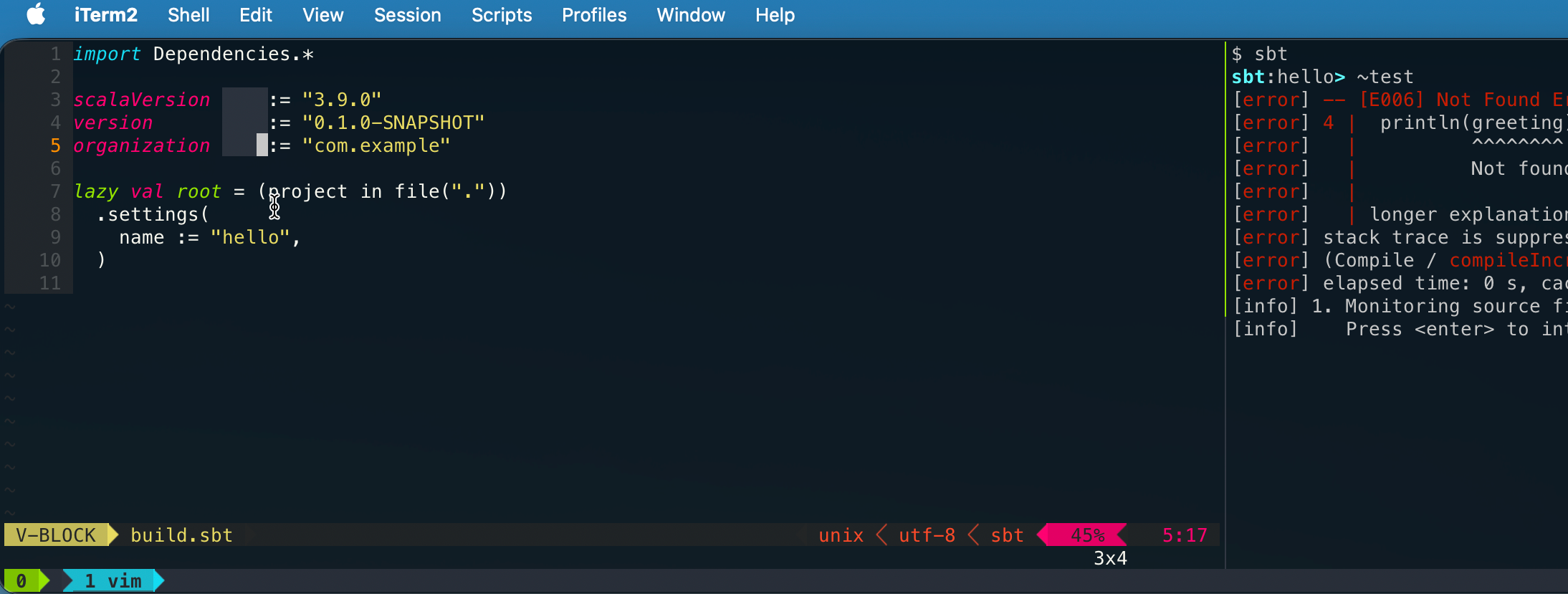
Vim 9.x
First thing I’m doing is drop Neovim, and use the mainline Vim 9.x instead.
$ vim --version
VIM - Vi IMproved 9.2 (2026 Feb 14, ....)
macOS version - arm64
This means no Tree-Sitter syntax.
vimrc
vimrc is split into multiple files:
" basics
source $HOME/dotfiles/vim/basic.vim

" extra
source $HOME/dotfiles/vim/extra.vim

" indentation
source $HOME/dotfiles/vim/indent.vim

" moving
source $HOME/dotfiles/vim/moving.vim

" searching
source $HOME/dotfiles/vim/search.vim

" plugin
source $HOME/dotfiles/vim/plug.vim

if filereadable(expand('~/dotfiles/vimrc.local'))
  source ~/dotfiles/vimrc.local
endif

" plugin settings
source $HOME/dotfiles/vim/plugin_setting.vim

" colors
source $HOME/dotfiles/vim/colors.vim
plugins
Thus far I’m limiting to three plugins:
call plug#begin()

Plug 'junegunn/fzf', { 'do': { -> fzf#install() } }
Plug 'junegunn/fzf.vim'            " fuzzy file search
Plug 'tpope/vim-vinegar'

Plug 'itchyny/lightline.vim'
call plug#end()

" Install any missing plugins on startup
autocmd VimEnter * if len(filter(values(g:plugs), '!isdirectory(v:val.dir)'))
      \ | PlugInstall --sync | source $MYVIMRC
      \ | endif
fzf.vim
fzf.vim provides fuzzy finder, which I assigned to <leader>f:
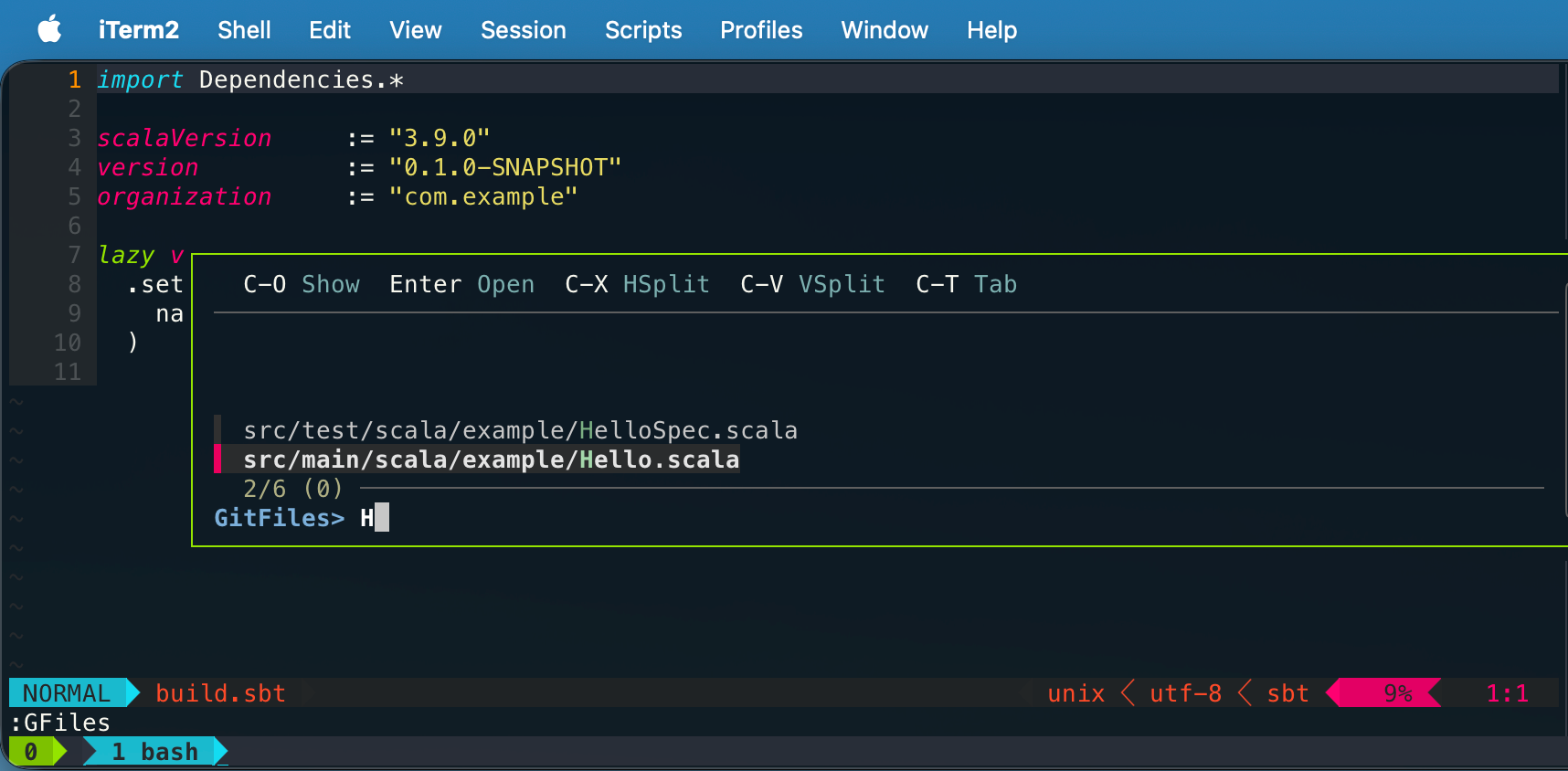
tpope/vim-vinegar
I’ve also added vim-vineger, which provides - shortcut to display the built-in netrw filer, as opposed to a tree-view filer. Use % to create a new file.
lightline
The status line is provided by lightline, which doesn’t depend on Python etc.
packadd comment
Apparently, modern Vim 9.x comes with the comment feature built-in:
silent! packadd comment
I’ve remapped <leader>c to toggle comments:
" toggle comments
nmap <leader>c gcc
xmap <leader>c gc
powerline without the fonts
Something I learned recently is that iTerm 2 can render the statusline triangle with Settings > Profiles > Text > Use built-in Powerline glyphs setting enabled. This hopefully means that we can use any fonts without modifying them afterward. I still kept the triangle opt-in via vimrc.local.conf/tmux.local.conf :
vimrc.local.conf
let g:powerline_fonts = 1
tmux.local.conf
set -g @sep_r "\uE0B0"
set -g @sep_l "\uE0B2"